Start here · AI + UX
Your first week with AI as a design partner
A five-session starting plan: frame a real problem, explore alternatives, build one flow, test it, and explain the decision.
In this guide
- The useful starting point
- Pick a project small enough to finish
- Session 1: build a brief with an evidence boundary
- Session 2: explore meaningfully different options
- Session 3: make one complete flow
- Session 4: inspect, then learn from people
- Session 5: make the decision legible
- Choose your next practice route
- Sources and further reading
The useful starting point
Choose one real task and keep a small evidence pack. Use AI to expand options and prepare work, then review the output against a clear user goal.
Pick a project small enough to finish
Start with one task you can explain in a sentence: help a visitor choose an appointment, help a parent find the right class, or help a teammate understand an empty dashboard. Avoid beginning with a complete redesign. A small task gives you enough context to recognize when the assistant is confidently wrong.
You do not need to connect every tool. Begin with an assistant you already use and a duplicate of your design. Add Figma MCP or Penpot MCP when direct access to the file solves a real bottleneck.
Session 1: build a brief with an evidence boundary
Write the person, task, context, constraint, and observable success condition. Attach only approved materials. Label each item as a fact, an observation, or an assumption. In a fictional booking example, “people need to compare appointment lengths” is a hypothesis until supported by research or other evidence.
Help me frame this design task: [task]. Here are the sources I have: [sources]. Separate known facts, assumptions, and missing information. Ask the three questions that would most change the design. Do not invent research or business results.
Keep: a one-page brief and three questions worth answering.
Session 2: explore meaningfully different options
Ask for alternatives that change the interaction, not just the color. For appointment selection, compare a compact comparison table, a guided choice, and a short recommendation with an editable default. Choose based on task fit, accessibility considerations, and implementation constraints.
Suggest three different approaches to [task]. Explain the effort, tradeoff, missing evidence, and failure case for each. Identify an assumption that could make each option unsuitable.
Keep: three rough options and your reason for selecting one.
Session 3: make one complete flow
Use the chosen tool to create the entry, decision, action, and confirmation states. Add a plausible failure and recovery. Ask the assistant to list every element that is simulated. Work with real-length sample content; short placeholder text hides layout problems.
Keep: a prototype, a state inventory, and an honest list of missing behavior.
Session 4: inspect, then learn from people
Review labels, keyboard access, visible focus, errors, and narrow layouts. Automated checks help find some problems, but W3C explains that tools alone cannot determine accessibility. Then give a relevant person a neutral task and observe how they proceed. An AI role-play is useful rehearsal; it does not become a user session.
Keep: observed behavior, source references, and questions that remain open.
Session 5: make the decision legible
Write what changed, why, and what would change your mind. Include the assistant’s contribution and the corrections you made. If you only produced a concept, say so. A clear decision record is more valuable than a claim that AI made you dramatically faster without measurement.
Choose your next practice route
- Use your existing Figma design system.
- Try an open-source Penpot workflow.
- Prepare a research session with AI.
- Build a 30-day practice routine.
Download the Starter Kit for the research plan, critique checklist, decision log, and prompt kit. Save this page so you can retrieve it without signing up again.
Sources and further reading
Sources checked November 4, 2026. Review the linked publisher information for current details.
Put one idea to work
Take the next step with a practical worksheet, a clear research question, and a standard you can use to review the work.
Explore design worksheets →Explore more from UX Design CoachGet design practice in your inbox →Keep practicing
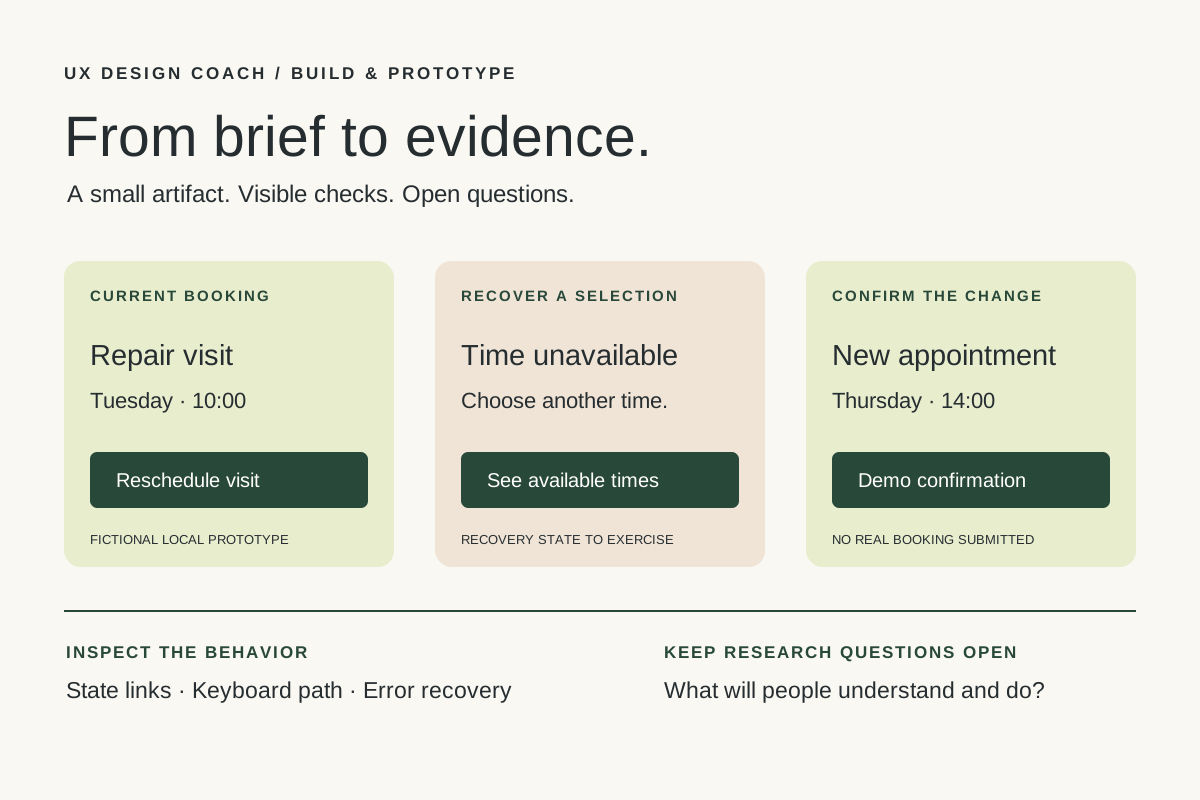 Build & prototype · Working with agents
From design brief to reviewable prototype: inference and the agent harness
Use a bounded prototype exercise to understand inference, agent harnesses, tool checks, and the human research still needed. Includes a copyable design task card.
November 5, 2026 · 7 min read Tool workshop · Figma MCP
Figma MCP: turn your design system into a working AI partner
Connect Figma to an AI assistant, inspect a real frame, create a controlled variation, and check the handoff. Includes setup, prompts, and a troubleshooting checklist.
November 4, 2026 · 3 min read