Career practice · AI + UX
Become a stronger UX designer with AI: a 30-day practice plan
Build better judgment, sharper interaction craft, and more credible evidence through one month of small, reviewable design exercises.
In this guide
The useful starting point
Use AI to increase the quality of your practice: frame clearer questions, compare alternatives, build complete states, learn from people, and explain your decisions.
Aim for better work you can demonstrate
No tool can make someone “the best UX person ever,” and a faster output is not automatically a better design. A useful goal for the next month is more specific: take one small flow from a clear problem to a reviewed prototype and an honest case study. Use AI to help you practice more deliberately.
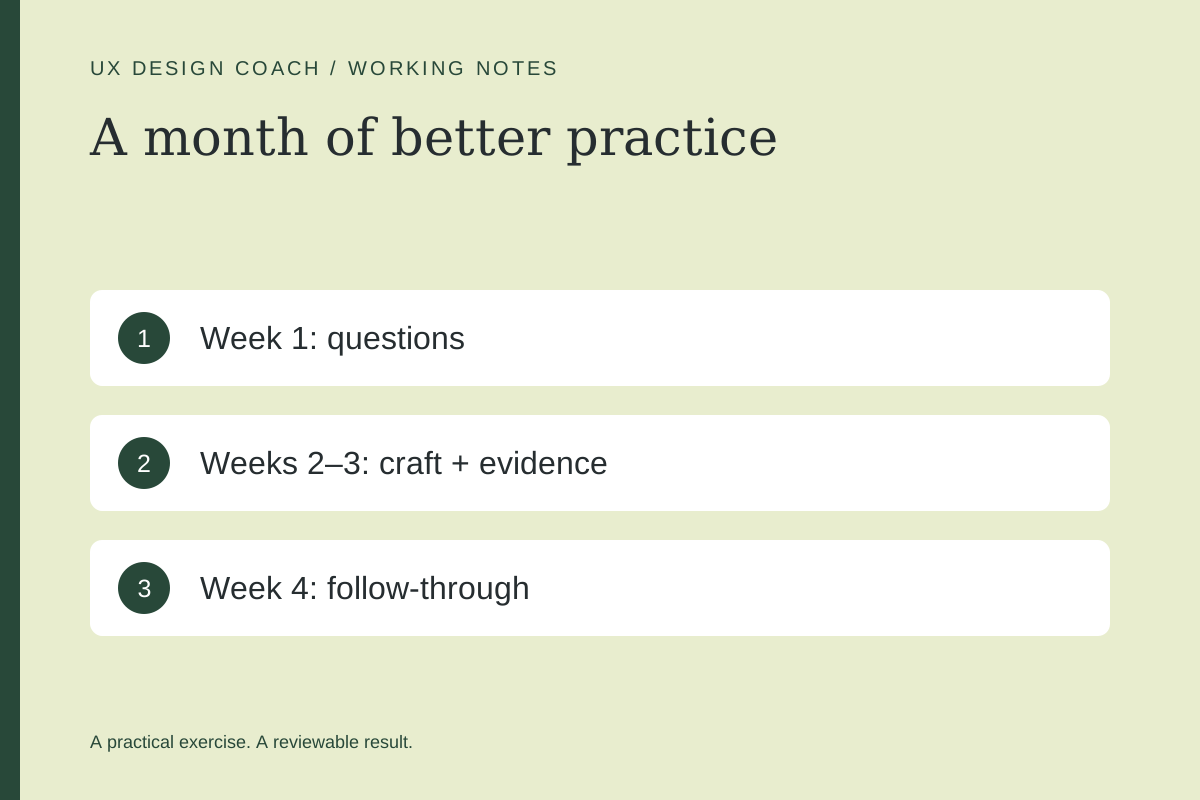
Week 1: improve your questions
Choose a flow you can inspect and discuss without exposing private information. Write the person, task, context, constraints, and current evidence. Each day, spend one short session identifying an assumption and deciding what would test it.
Review my problem statement. Which claims are supported by the supplied evidence? Which are assumptions? Suggest a narrower question that would change a design decision. Do not invent user needs to make the brief look complete.
Friday artifact: a one-page brief, an evidence list, and the three most consequential unknowns. Review it with a colleague if possible.
Week 2: improve interaction and visual craft
Explore three approaches to the task. Keep the content constant so you can compare interaction and hierarchy. Pick one, then design its empty, loading, error, and success states. Inspect long text, narrow screens, and keyboard behavior in a working version.
Use Figma MCP or Penpot MCP to practice component reuse. Use the mockup workshop to sharpen art direction.
Friday artifact: the chosen flow, two rejected alternatives, and a short explanation of the tradeoffs. Include what the prototype cannot yet do.
Week 3: improve how you learn
Prepare neutral tasks, pilot the study, and observe relevant people with appropriate consent. Ask AI to audit the task wording and organize approved notes. Review every material interpretation against its source. If participant access is unavailable, report an inspection and a planned study instead of inventing completed research.
Friday artifact: a prioritized issue list that separates observations, interpretations, and proposed changes. Give each recommendation a reason and a way to check it.
Week 4: improve follow-through
Make a focused revision and inspect it again. If the work is implemented, verify the behavior that matters: saved state, recovery, meaningful feedback, and the real completion path. If it remains a prototype, document the next implementation requirements.
Help draft a case study from these materials. Separate my contribution, the AI assistance, the evidence, and the outcome we actually observed. Identify unsupported impact claims and missing context before writing the narrative.
Final artifact: a concise case study with the problem, evidence, decision, alternatives, contribution, and limits. Keep the working files alongside the polished story.
Use a practice scorecard
| Dimension | Evidence of progress |
|---|---|
| Problem framing | A narrower question connected to a real decision. |
| Craft | Complete states and deliberate visual choices. |
| Research judgment | Findings traceable to actual observations. |
| Collaboration | A teammate can understand and continue the work. |
| Delivery | The claimed behavior is demonstrated, or its limits are explicit. |
Use your own baseline rather than a fabricated industry benchmark. Record time spent correcting AI output as well as time saved. Repeat the practice on a different task only after writing down what you learned.
For guidance on a current project, explore working with Ashley. Bring the flow and the decision you are struggling with; the most useful conversation starts with concrete work.
Sources and further reading
- W3C: evaluating web accessibility
- Figma: write to canvas and current limitations
- Figma: create a Figma Make file
Sources checked November 4, 2026. Review the linked publisher information for current details.
Put one idea to work
Take the next step with a practical worksheet, a clear research question, and a standard you can use to review the work.
Explore design worksheets →Explore more from UX Design CoachGet design practice in your inbox →Keep practicing
 Build & prototype · Working with agents
From design brief to reviewable prototype: inference and the agent harness
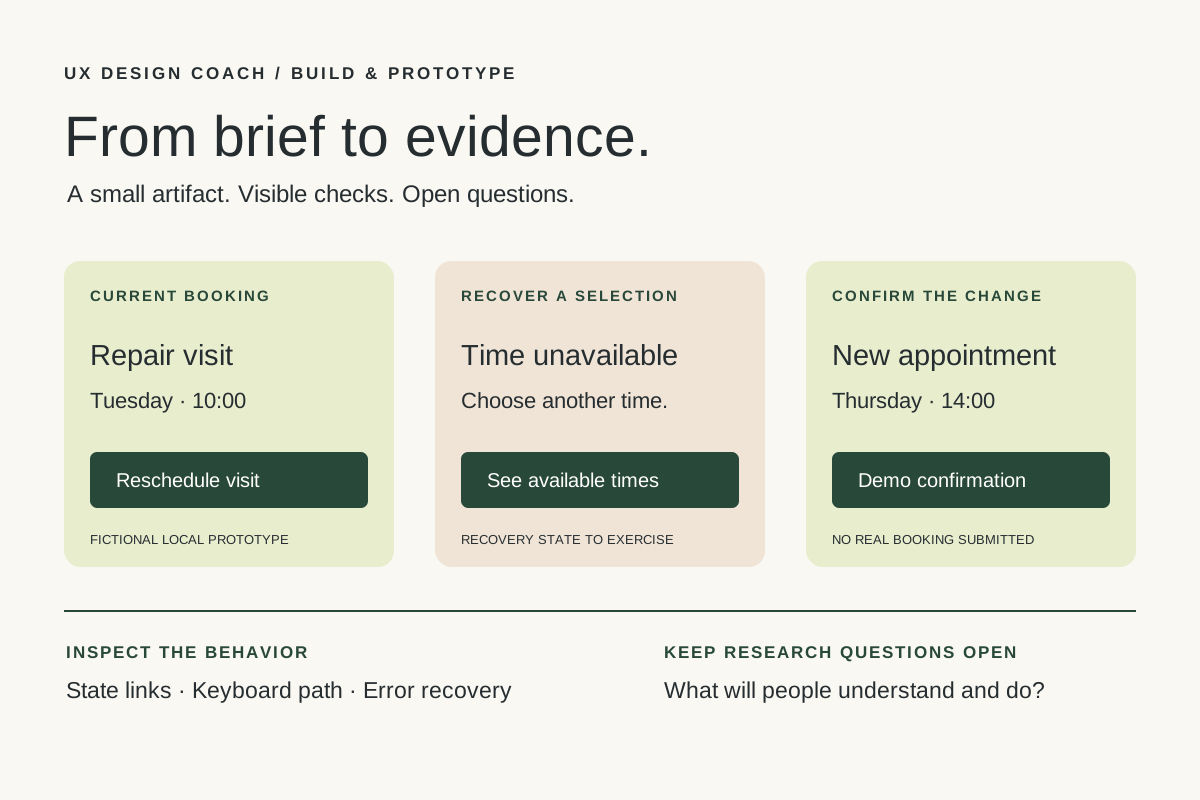
Use a bounded prototype exercise to understand inference, agent harnesses, tool checks, and the human research still needed. Includes a copyable design task card.
November 5, 2026 · 7 min read Tool workshop · Figma MCP
Figma MCP: turn your design system into a working AI partner
Connect Figma to an AI assistant, inspect a real frame, create a controlled variation, and check the handoff. Includes setup, prompts, and a troubleshooting checklist.
November 4, 2026 · 3 min read