Research workshop · AI + UX
User testing with AI: prepare faster, keep the evidence real
Plan a focused usability session, audit your questions, organize observations, and turn findings into a decision without inventing participants or certainty.
In this guide
- The useful starting point
- Start with one research decision
- 1. Draft neutral tasks with AI
- 2. Prepare consent and note handling
- 3. Capture behavior before interpretation
- 4. Ask AI for an evidence-linked draft
- 5. Prioritize by consequence and confidence
- Where AI helps—and where people remain essential
- Sources and further reading
The useful starting point
Use AI to prepare tasks and organize consented observations. Study real people, preserve source references, and keep generated interpretations separate from evidence.
Start with one research decision
Ask what the study should help you decide. For a fictional workshop-booking flow: can first-time visitors choose an appropriate session and understand whether their place is reserved? That question is more useful than “Do users like the design?” It also tells you which screens and states must work before the session.
1. Draft neutral tasks with AI
Help prepare a usability session for [audience] using [prototype]. Research decision: [decision]. Draft three realistic tasks without naming the controls or describing the expected path. For each, list what I should observe, a neutral follow-up, and a wording risk. Do not supply participant answers.
Compare “Click Reserve” with “You want to attend the beginner session next week. Show me what you would do.” The second lets you observe whether the person recognizes the appropriate action. Pilot the wording with a colleague, then refine anything that accidentally teaches the interface.
2. Prepare consent and note handling
Explain the purpose, what will be recorded, who will see it, and how the material will be used. Use tools approved for your research context. Remove unnecessary identifiers before sending notes to an AI system. A person agreeing to a research session does not automatically settle every downstream use of their recording.
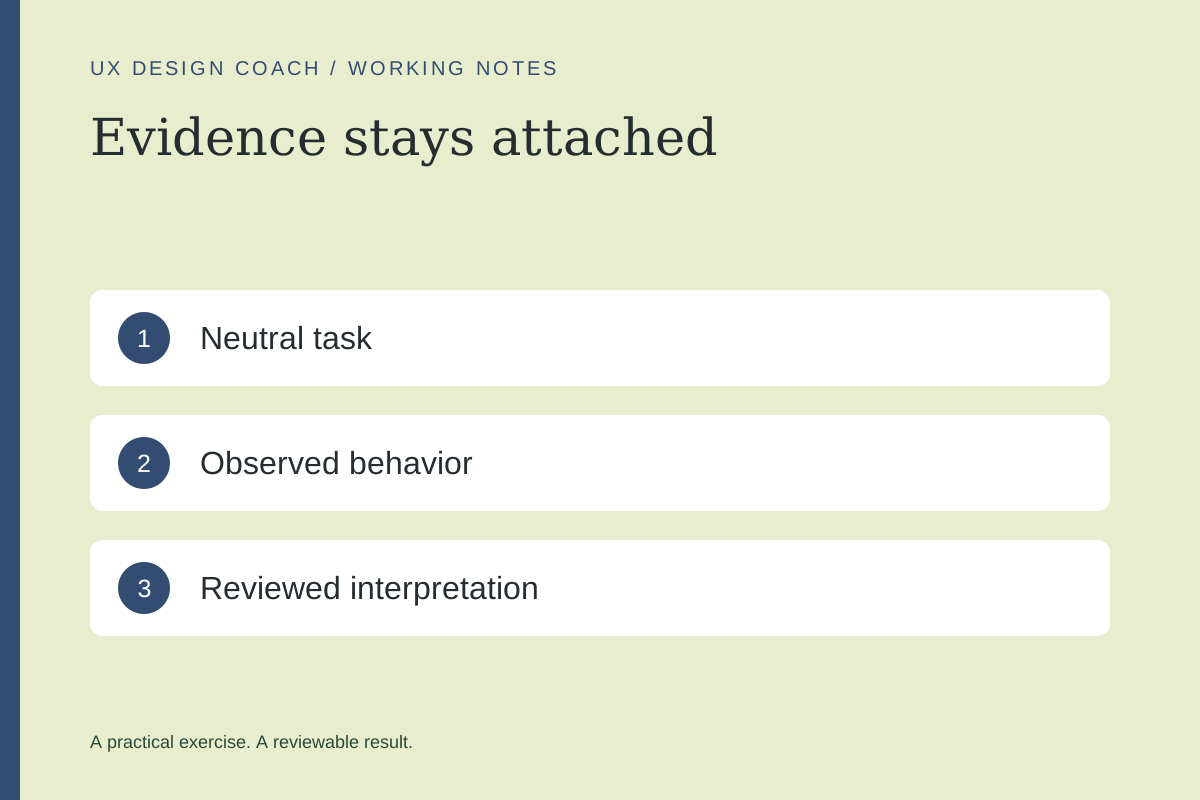
3. Capture behavior before interpretation
| Observation | Interpretation to investigate |
|---|---|
| P02 returned to the price section twice before continuing. | The price or scope may have been unclear. |
| P04 asked whether the request reserved a seat. | The confirmation may imply more than the system has done. |
These are fictional teaching examples. In a real study, keep participant IDs, task, timestamp, and relevant context. Do not convert a pause into a claim about anxiety or intent without evidence.
4. Ask AI for an evidence-linked draft
Organize these approved observations by candidate issue. For each, preserve participant ID, task, and source reference. Separate observation from interpretation. Include contradictory examples and unanswered questions. Do not invent quotes, counts, participant characteristics, or completion rates.
Verify every important interpretation against the source. If the summary says “most participants,” check the denominator and whether the study supports that wording. Small qualitative studies can reveal problems without establishing population prevalence.
5. Prioritize by consequence and confidence
Rank a failed core task above a minor visual preference. Keep severity and confidence separate: an issue can be consequential but weakly evidenced. Describe the change you propose, the reason, and what you would observe in the next test.
For the reservation example, revise the confirmation to distinguish a request from a confirmed place, then test comprehension again. Do not claim the fix improved conversion until you have appropriate outcome evidence.
Where AI helps—and where people remain essential
Use simulated role-play to rehearse questions or inspect missing states. Use automated checks to find some implementation issues. Neither establishes what real users do. W3C similarly emphasizes human evaluation alongside tools for accessibility.
Use the Usability Session Kit for planning and the research planner for an evidence log. The existing AI testing lesson provides a complementary practice route.
Sources and further reading
Sources checked November 4, 2026. Review the linked publisher information for current details.
Put one idea to work
Take the next step with a practical worksheet, a clear research question, and a standard you can use to review the work.
Explore design worksheets →Explore more from UX Design CoachGet design practice in your inbox →Keep practicing
 Build & prototype · Working with agents
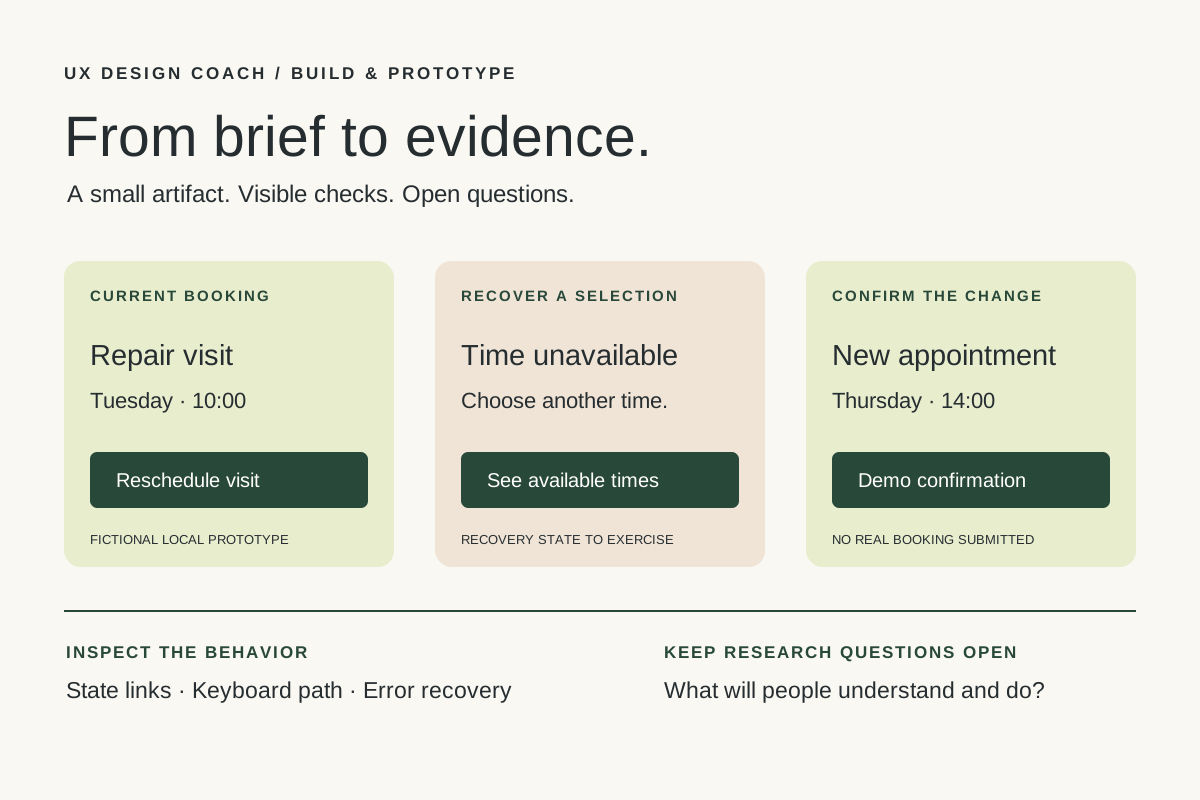
From design brief to reviewable prototype: inference and the agent harness
Use a bounded prototype exercise to understand inference, agent harnesses, tool checks, and the human research still needed. Includes a copyable design task card.
November 5, 2026 · 7 min read Tool workshop · Figma MCP
Figma MCP: turn your design system into a working AI partner
Connect Figma to an AI assistant, inspect a real frame, create a controlled variation, and check the handoff. Includes setup, prompts, and a troubleshooting checklist.
November 4, 2026 · 3 min read