Outlook · UX + design trends
2027 UX and design predictions: six bets worth testing now
Our evidence-informed outlook on agent experiences, design systems, visual craft, research, and the designer’s changing role—with a practical experiment for every forecast.
In this guide
- The useful starting point
- Forecasts, not facts about the future
- 1. Agent behavior will need more deliberate interface design
- 2. Design systems will become more actionable context
- 3. Prototypes will appear earlier—and need clearer labels
- 4. Visual distinctiveness will come from stronger editing
- 5. Research credibility will depend on traceable evidence
- 6. The strongest UX portfolios will explain decisions across the whole product
- A small preparation plan
- Sources and further reading
The useful starting point
Treat 2027 predictions as working hypotheses. Prepare by practicing reviewable AI workflows, clear user control, distinctive craft, and evidence-based product decisions.
Forecasts, not facts about the future
Editorial outlook prepared November 4, 2026. These are UXDesignCoach’s hypotheses about 2027, informed by current tool capabilities and enduring design problems. Confidence labels express editorial judgment, not statistical probabilities. We are not claiming measured industry adoption or a vendor roadmap.
1. Agent behavior will need more deliberate interface design
Confidence: high in the need; uncertain in adoption pace. As products perform multi-step work, designers will need to explain what the agent is doing, what it needs, and how people can stop or correct it. Approval, progress, and recovery deserve the same attention as the first prompt.
Practice: redesign a fictional agent’s “working” state into a view of completed actions, pending decisions, and a useful cancel path. Test whether people can predict the consequence of approving the next step.
2. Design systems will become more actionable context
Confidence: high. Current Figma MCP and Penpot workflows make system structure available to assistants. Our prediction is that teams will invest more in naming, usage rules, and state coverage because those details influence generated work.
Practice: give an assistant a component library with explicit usage rules. Compare its output with an earlier unstructured brief. Track the corrections needed rather than assuming the system guarantees consistency.
3. Prototypes will appear earlier—and need clearer labels
Confidence: high. Prompt-to-app tools reduce the effort of creating interactive examples. We expect more teams to use a working-looking artifact to explore a question. The design challenge is preventing visual completeness from being mistaken for production readiness.
Practice: add a short prototype contract: real behavior, simulated behavior, unsupported states, and the decision the prototype can help answer.
4. Visual distinctiveness will come from stronger editing
Confidence: medium. When generating plausible layouts becomes easier, the value of a clear art direction may become more visible. Our bet is on intentional typography, realistic content, useful motion, and a coherent visual story—not a single fashionable aesthetic.
Practice: create three directions with identical content. Choose one by task fit and brand character, then remove decorative elements that compete with the primary action. This is a craft exercise, not a conversion forecast.
5. Research credibility will depend on traceable evidence
Confidence: high in the need. Faster summaries make it easier to lose the difference between what happened and what a model inferred. We expect strong teams to make source references, uncertainty, and contradictions routine parts of research deliverables.
Practice: take one synthesis and require every finding to point to a source. Count unsupported claims removed during review. Keep AI simulations clearly separate from participant observations.
6. The strongest UX portfolios will explain decisions across the whole product
Confidence: medium. We expect persuasive case studies to show problem framing, interaction detail, implementation collaboration, and learning after release. Screens will still matter; the explanation of why they changed will matter too.
Practice: rewrite one case study around a consequential decision. Show the evidence, rejected alternative, your contribution, and what remains unknown. Identify where AI helped and where you corrected it.
A small preparation plan
| This month | Artifact to keep |
|---|---|
| Practice one MCP workflow | A before-and-after file with review notes. |
| Design an agent failure state | A recovery path people can understand. |
| Run one evidence audit | A finding linked to its original observation. |
| Improve one case study | A clear decision narrative with honest limits. |
Read the dated news briefing for the observed signals, then use the 30-day practice plan to build capability.
Sources and further reading
- Figma: MCP server overview
- Penpot: official MCP setup and capabilities
- Figma: create a Figma Make file
- W3C: evaluating web accessibility
- Figma: Build by design
Sources checked November 4, 2026. Review the linked publisher information for current details.
Put one idea to work
Take the next step with a practical worksheet, a clear research question, and a standard you can use to review the work.
Explore design worksheets →Explore more from UX Design CoachGet design practice in your inbox →Keep practicing
 Build & prototype · Working with agents
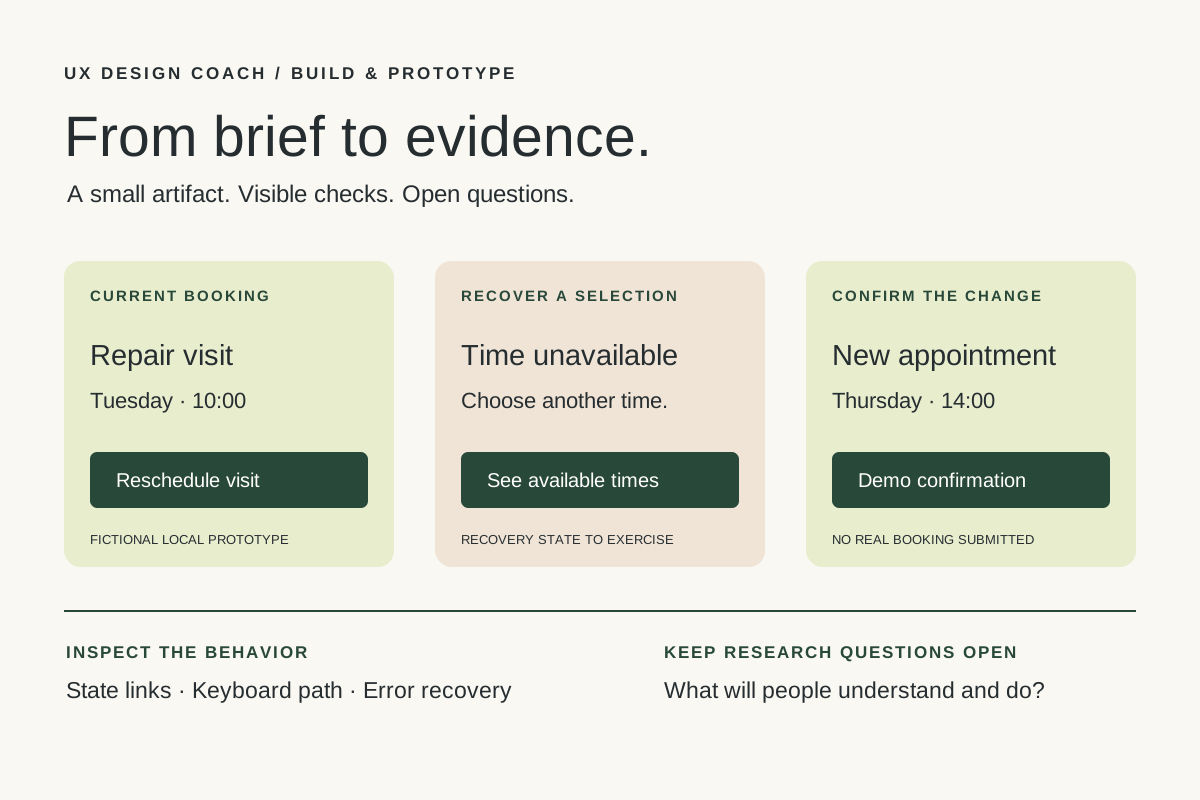
From design brief to reviewable prototype: inference and the agent harness
Use a bounded prototype exercise to understand inference, agent harnesses, tool checks, and the human research still needed. Includes a copyable design task card.
November 5, 2026 · 7 min read Tool workshop · Figma MCP
Figma MCP: turn your design system into a working AI partner
Connect Figma to an AI assistant, inspect a real frame, create a controlled variation, and check the handoff. Includes setup, prompts, and a troubleshooting checklist.
November 4, 2026 · 3 min read