
The difficult screen in an agent experience often appears after the impressive demo: the agent cannot finish, a person must approve something, or another team has to take over. Design that transition with the same care as the happy path.
In Twilio’s November 2026 survey, 63% of consumers wanted easy access to a person. This is stated preference, not evidence that a particular handoff screen improves conversion. Use it to motivate a task-based design test.
This walkthrough extends our guide to outcome-focused APIs and designing the hard moments. We will use a fictional delivery-address correction. The interface examples are original prototypes, not screenshots of a live service.
1. Separate the request from permission to act
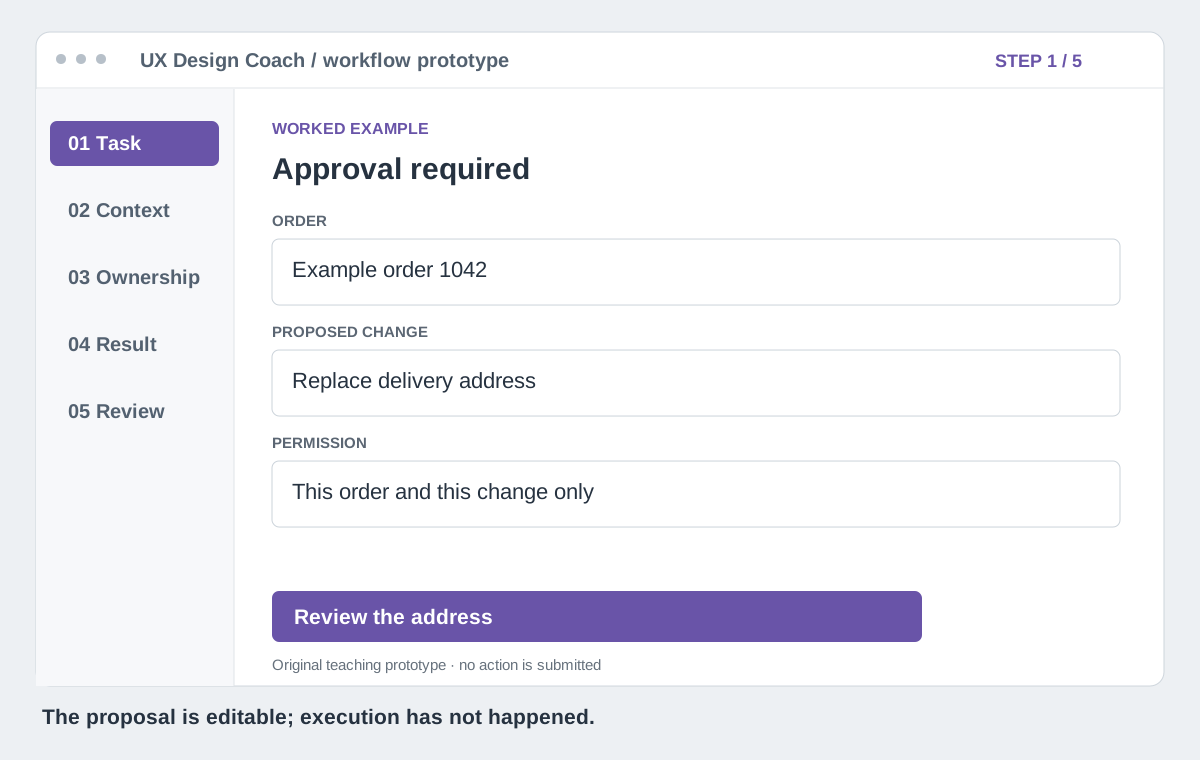
A customer asks an agent to correct an address. That request provides a goal; it does not tell the system that every order, fee or downstream action is authorized. Show the order, proposed change and consequences before execution.
Design clear action levels: read the current state, prepare a proposed change, and execute the approved change. Bind approval to the exact order and change version. If the order ships or the address changes meanwhile, recheck eligibility and ask for fresh approval where necessary.
Test whether the customer can explain what will change before clicking. Keep the approval control keyboard accessible, label fields explicitly and make errors available as text.
2. Give the next actor a useful case record
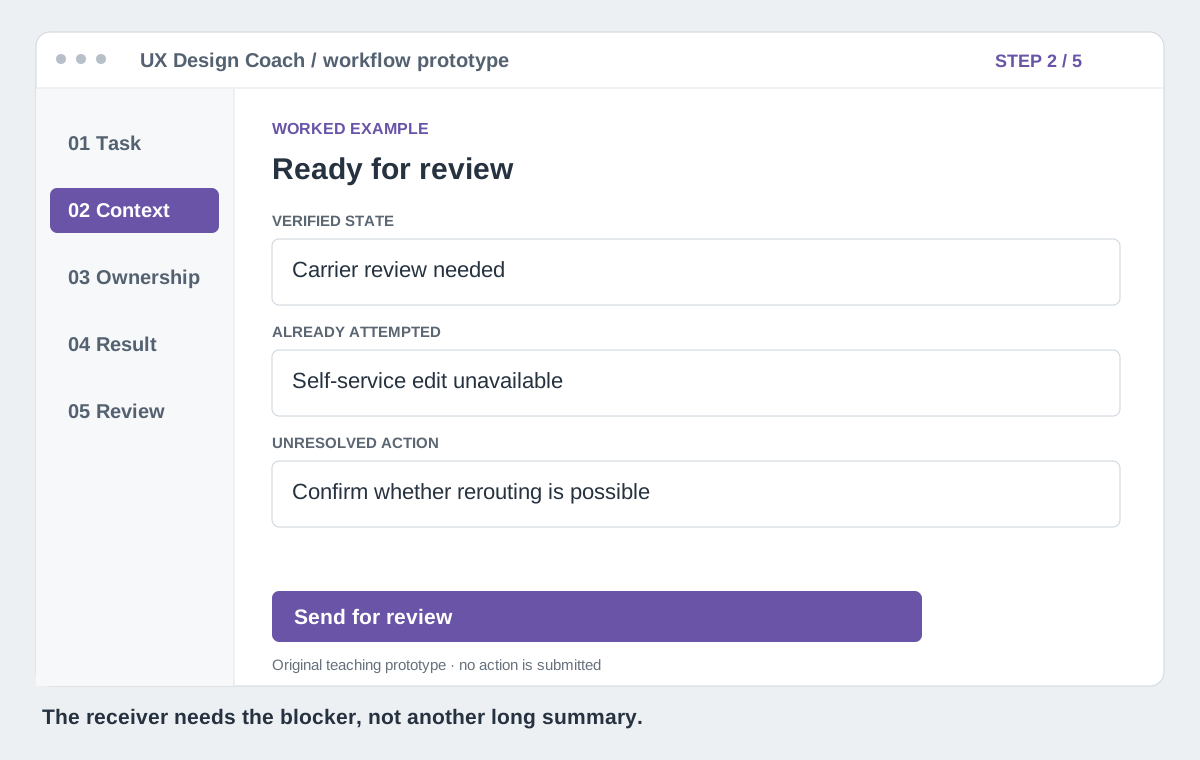
When the carrier requires a person to review the change, carry the goal, verified order state, attempted actions, remaining blocker and approval scope into the handoff. Include timestamps for facts that can expire.
Give the customer a readable summary and an edit path. Give the receiving agent structured fields with provenance. Distinguish a customer statement, a system fact and a model suggestion. A natural-language transcript can be supporting context; it should not be the only way to discover the task.
Share the minimum necessary information with the authorized recipient. Customer text and retrieved pages are data, not permission to expand tool access.
3. Design the queued and accepted states
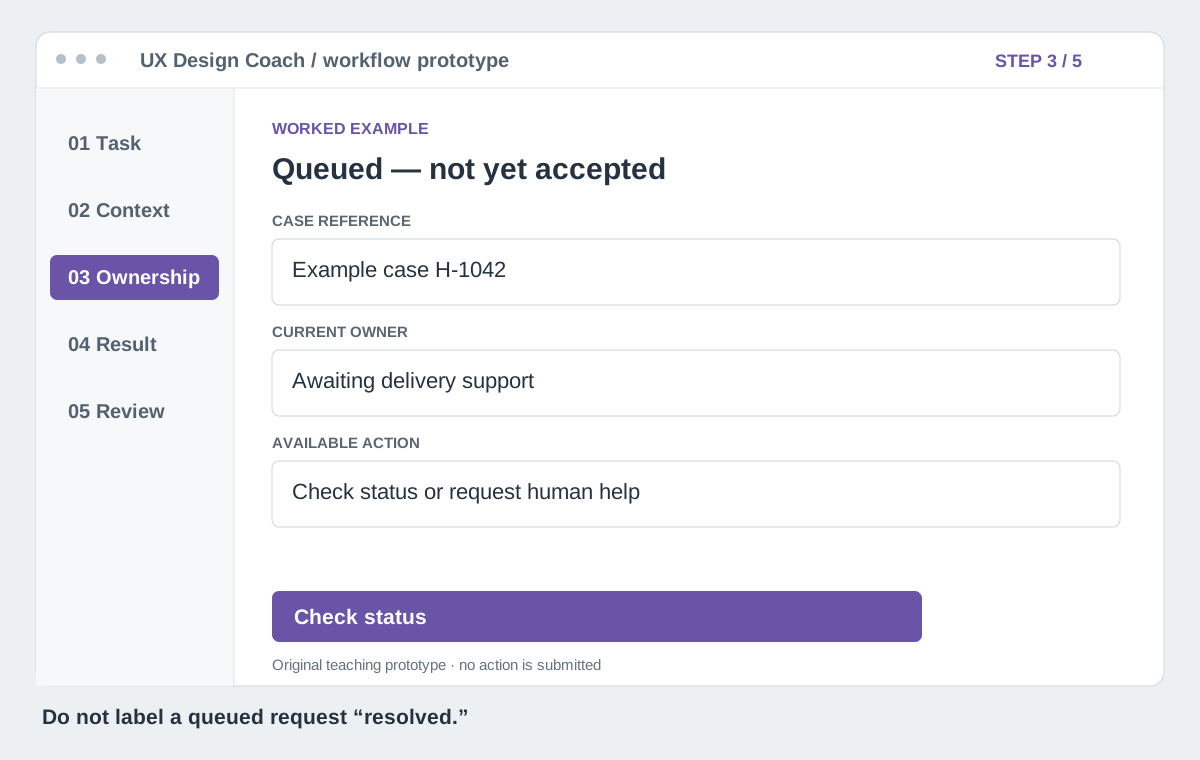
“We have your request” and “a person is working on it” are different promises. Provide a task reference and status view while queued. After a responsible team accepts, show that transition. If staffing is unavailable, say so and give the supported alternative.
A timeout is another designed state. Keep the draft and case reference, explain what is known, and let the person check status without submitting a duplicate. Focus should move predictably when a dialog closes; status updates should be available to assistive technology without repeatedly interrupting the user.
4. Return an outcome the agent can inspect
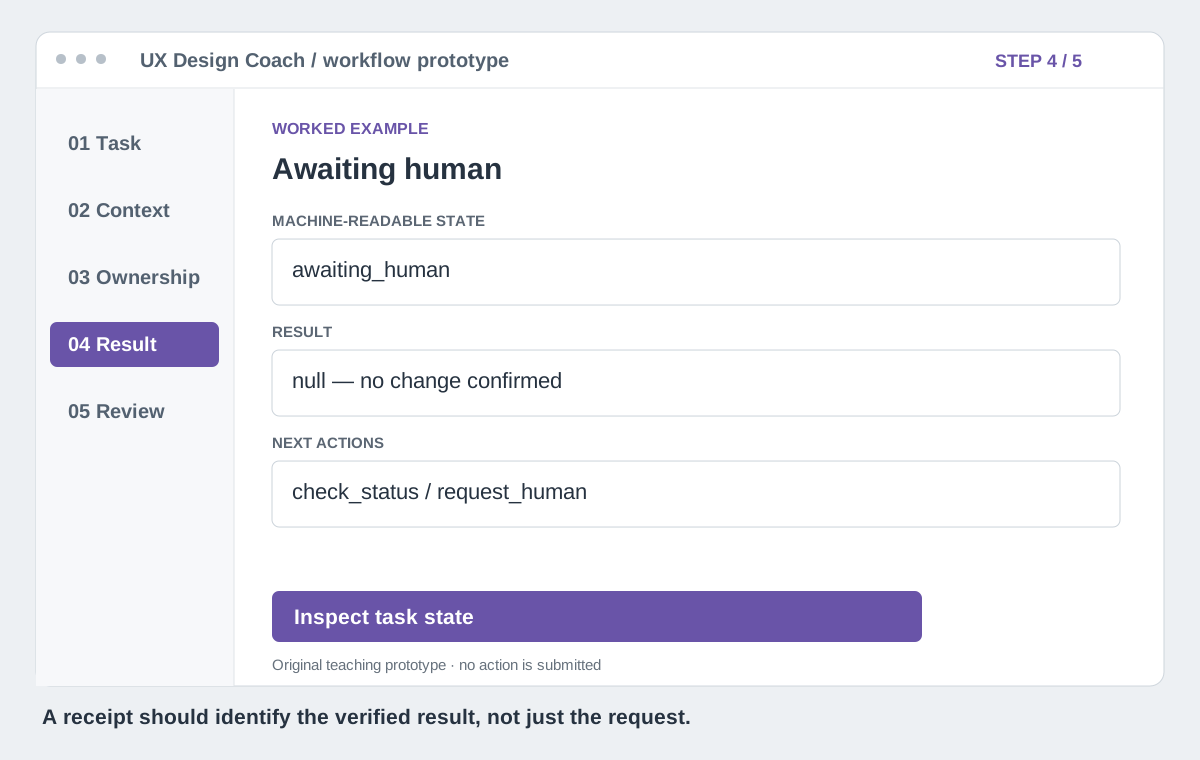
An API needs to expose the same product states as the interface. HTTP 202 Accepted means processing was accepted, not completed. A successful network request alone cannot prove the customer’s address changed.
The following is an illustrative response design, not a published standard or an endpoint available on this site. A real implementation must authenticate the caller, authorize access to the task and validate state transitions server-side.
{
  "task_id": "example-H-1042",
  "state": "awaiting_human",
  "goal": "correct_delivery_address",
  "owner": {"team": "delivery_support", "accepted": false},
  "reason_code": "CARRIER_REVIEW_REQUIRED",
  "allowed_next_actions": ["check_status", "request_human"],
  "result": null,
  "status_path": "/example/tasks/H-1042"
}
On verified completion, return the new authoritative state, a receipt reference and a verification timestamp. On failure, return a stable reason code and permitted recovery actions. Document which operations are safe to retry; use server-enforced idempotency for consequential writes. Never tell an agent to retry a payment or order blindly after a timeout.
5. Test the transitions, not just the screens
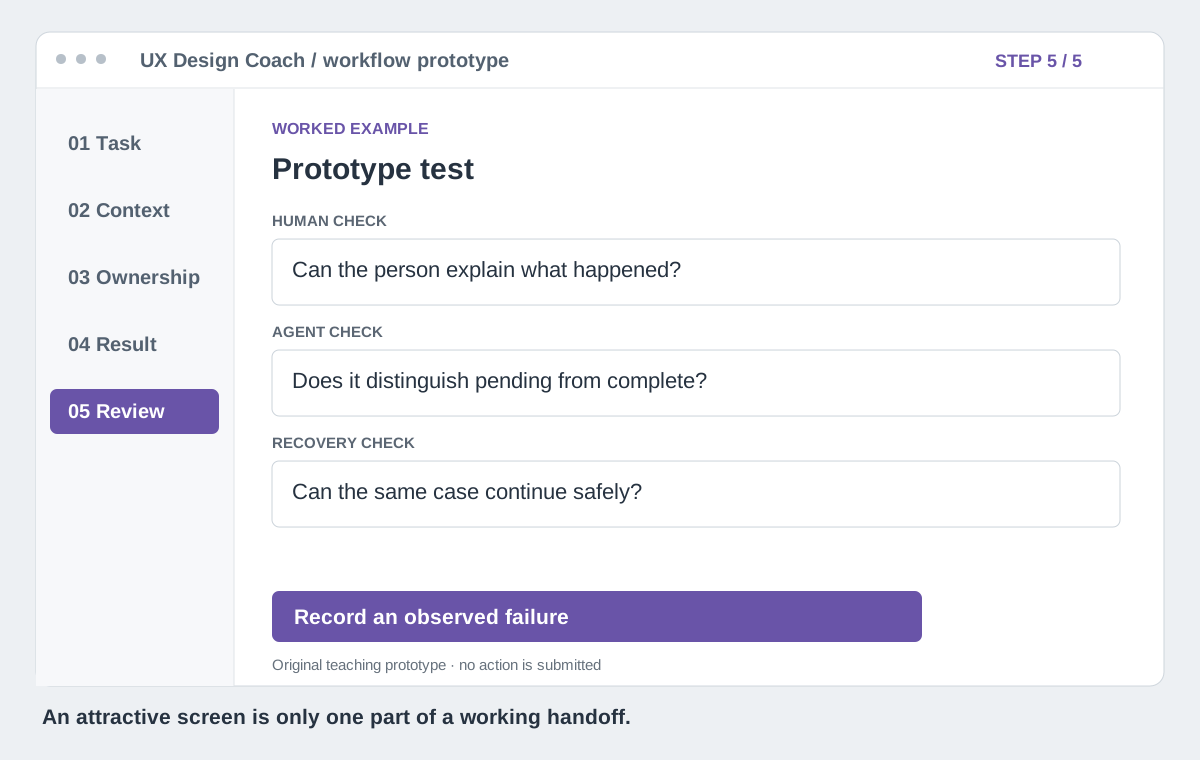
Run a prototype session with a real participant and a scripted receiving operator. Ask the participant to complete the task; observe what they believe happened. Include rejection, stale data, no available human, timeout after submission and a failed recovery attempt.
Check whether the receiving operator can continue without making the person repeat known facts. Then use a controlled agent test harness to verify that it interprets pending, failed and completed states correctly. These are different tests: machine parsing cannot establish human understanding.
Track task completion, mistaken beliefs about completion, repeated information, duplicate attempts and time to recover. Count all attempted tasks, including abandonment. Fix one transition and rerun the affected cases before expanding the design.
What “agent-first” should mean for UX
Design structured capabilities around the result someone needs: discover the supported action, understand its constraints, request it within permission, inspect progress and verify the result. Keep an accessible human path to the same facts and controls.
The website still matters as a place to inspect evidence, correct context, approve consequences and recover when automation fails. An API is another interface to that service. The design opportunity is continuity across both.
Use the Outcome Driven Handoff Scorecard to connect prototype findings to operational measures. Bring one awkward transition to your next critique and ask: what does the next actor need to continue correctly?
Sources and evidence
Want help reviewing this transition?
See the deliverables, boundaries, and next step before you book.
Explore the scope →Keep exploring
A better-looking redesign is a hypothesis. Here is how to test it.
How to prioritize UX friction without giving your product a made-up score