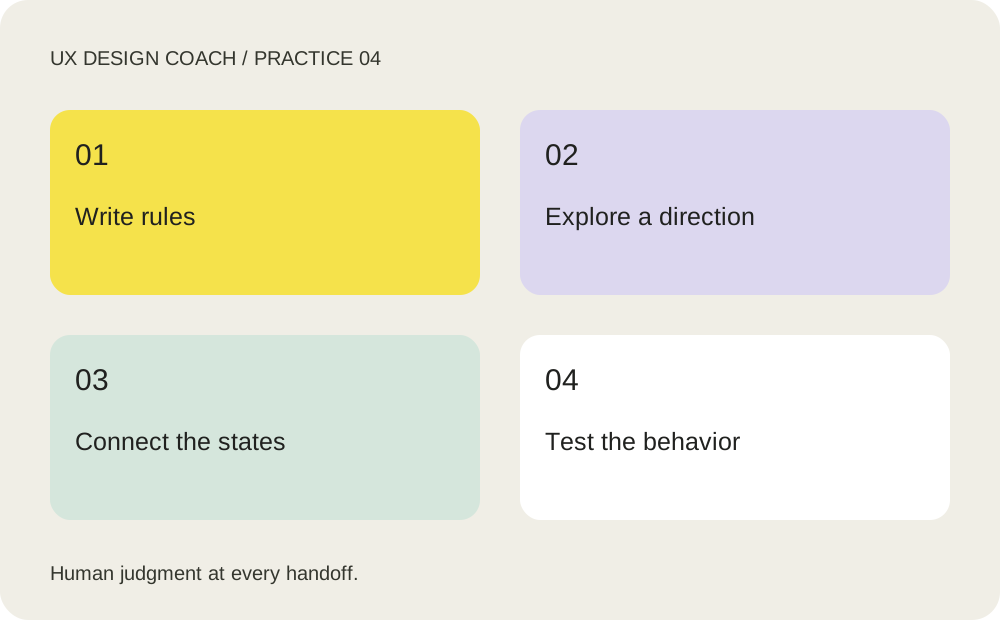
Do the work, step by step
- Write the interaction contract: who books, required fields, available times, cancellation rules, validation and confirmation. Add approved typography, components and content.
- Use Claude Design to explore a visual direction with explicit constraints. Anthropic now describes Design and Cowork capabilities inside Claude conversations; interface and plan availability may vary.
- In Figma Design, organize the accepted flow using your components. In Figma Make, start from a frame or a prompt to explore working behavior. Treat outputs and transfers between tools as artifacts to inspect, not guaranteed lossless round trips.
- Exercise empty, loading, validation-error, unavailable-time, success and back-navigation states. Check narrow screens and keyboard behavior, and label simulated integrations before a study.
A prompt to adapt
Replace the bracketed inputs with your own context. Copy this prompt into your chosen tool.
Prototype one consultation-booking journey using [design system] and [product rules]. Include initial, loading, empty, validation error, unavailable time and confirmation states. Use realistic fictional content. Mark simulated data and integrations. Explain component choices and what still requires implementation or user testing.
Your practice assignment
Create a flow where a selected time becomes unavailable. Help the person recover without losing their entered information.
Review checkpoint
A participant can complete the task and recover from the error. Review the prototype in its real runtime; a polished screenshot does not demonstrate behavior.
Source and teaching context
Figma: AI prototype generator. Product and method references checked October 24, 2026. Exercises are UX Design Coach teaching recommendations, not measured tool benchmarks. Interfaces and plan access can change.
Get the free working templates →