Build workshop · Products
Create a product with AI by finishing one useful workflow
Turn a focused problem into a prototype, a working slice, and an honest launch decision. Includes a product brief and acceptance checklist.
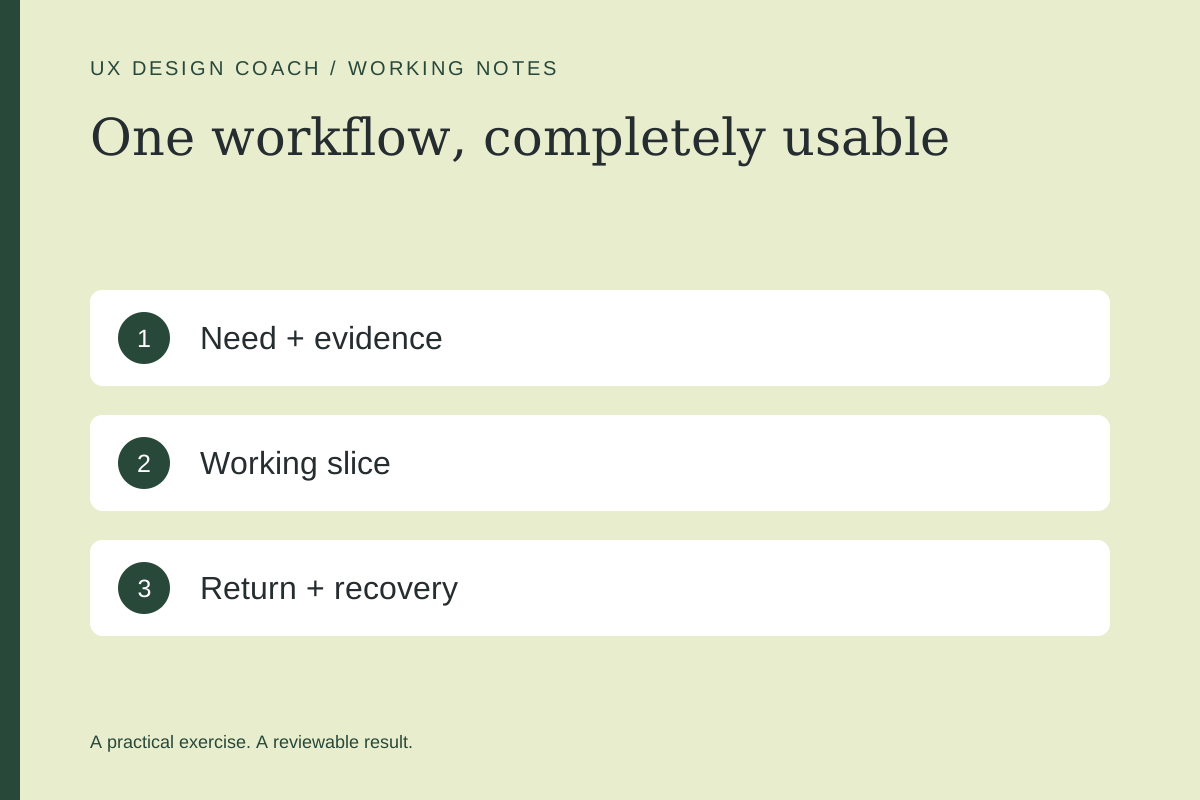
In this guide
The useful starting point
Choose one user job, validate the need, and make one complete workflow work with real state and recovery before expanding the feature list.
Define the smallest useful outcome
Imagine a freelance designer who needs to collect a project brief and turn it into a review checklist. The useful outcome is not an “AI workspace.” It is a saved brief that can be reopened, corrected, and used to guide the next conversation. Start there.
Write down what happens today, where it fails, and what evidence suggests the problem matters. If the only evidence is your enthusiasm, begin with conversations or a manual service. AI makes it easier to generate software; it does not establish demand.
1. Write a one-workflow product brief
Help define a small product for [person] doing [job]. Existing evidence: [sources]. Map entry, input, processing, review, save, and return. Identify the riskiest assumption, a manual way to test it, and the smallest useful version. Separate essential behavior from later ideas.
For the fictional brief tool, essential behavior might include creating a brief, editing it, generating a draft checklist, saving both, and reopening the same project. Team permissions, billing, and a template marketplace can wait unless the initial use case truly depends on them.
2. Prototype the uncertain decision
Use a lightweight interactive prototype to explore whether the input questions make sense and whether the output is useful. Label sample outputs. Ask people to complete their task, then explain what they would change before using the checklist.
3. Build a complete working slice
Give your coding assistant explicit acceptance criteria. Ask it to explain the data model and how a person retrieves their work. Distinguish browser-only storage from an account-backed record; the interface should make that difference understandable.
| Action | Acceptance check |
|---|---|
| Create and save | The record persists where the interface says it does. |
| Return later | The same person can reopen the intended project. |
| Generation fails | Inputs remain available and retry is understandable. |
| Edit output | The person can correct the draft without starting over. |
| Use another account | Private projects remain inaccessible. |
4. Review AI output as product behavior
For a checklist generator, define what makes an output unacceptable: invented requirements, missing source references, or instructions unrelated to the brief. Build a small set of ordinary, incomplete, and conflicting examples. Inspect the result after model or prompt changes. A good demonstration on one example is a starting point, not a reliability claim.
Given this brief, return a draft checklist with each item tied to a supplied requirement. Mark assumptions. If a necessary detail is missing, ask for it rather than inventing it. The user must review the checklist before sharing it.
5. Decide whether to expand
Observe whether people complete the workflow, return to their saved work, and find the output useful enough to act on. Record support issues and corrections. Use those observations to decide whether the next feature removes a real obstacle.
Continue with the existing prototype-to-product handoff guide. If the next step is making one journey testable, review the scope of Ashley’s Prototype Improvement Sprint.
Sources and further reading
Sources checked November 4, 2026. Review the linked publisher information for current details.
Put one idea to work
Take the next step with a practical worksheet, a clear research question, and a standard you can use to review the work.
Explore design worksheets →Explore more from UX Design CoachGet design practice in your inbox →Keep practicing
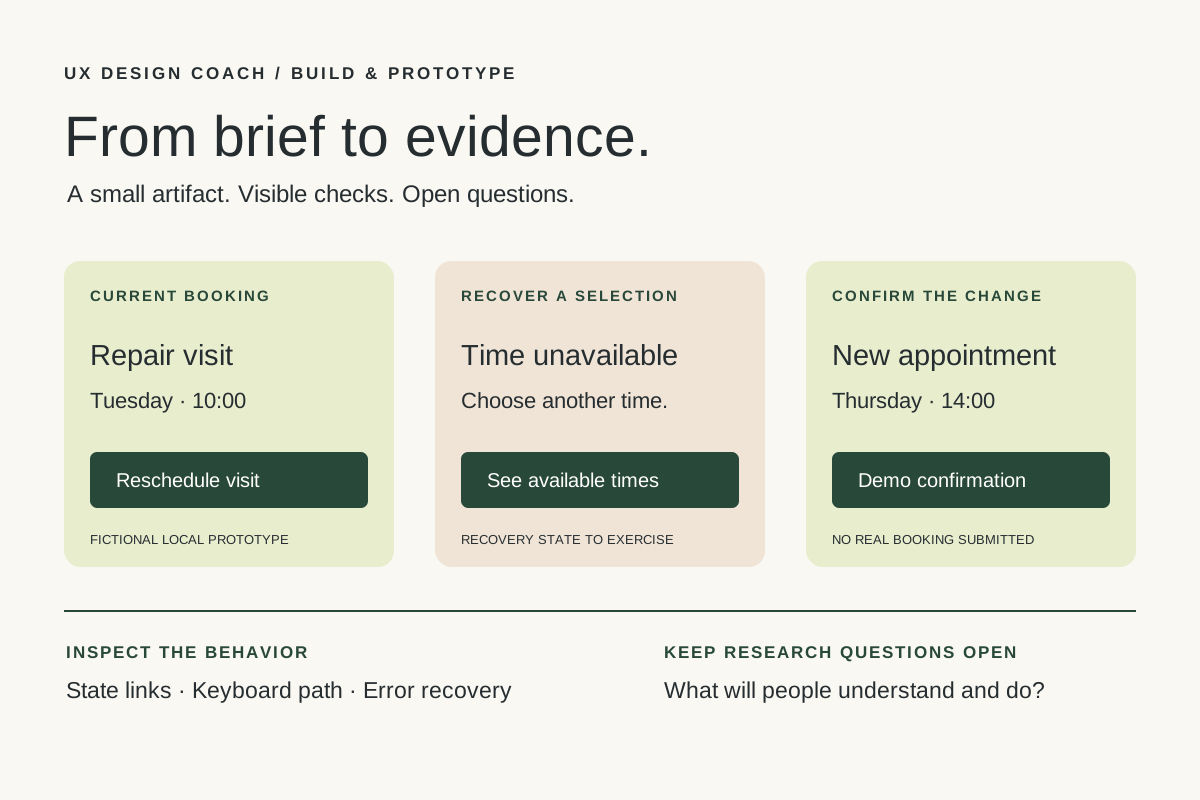 Build & prototype · Working with agents
From design brief to reviewable prototype: inference and the agent harness
Use a bounded prototype exercise to understand inference, agent harnesses, tool checks, and the human research still needed. Includes a copyable design task card.
November 5, 2026 · 7 min read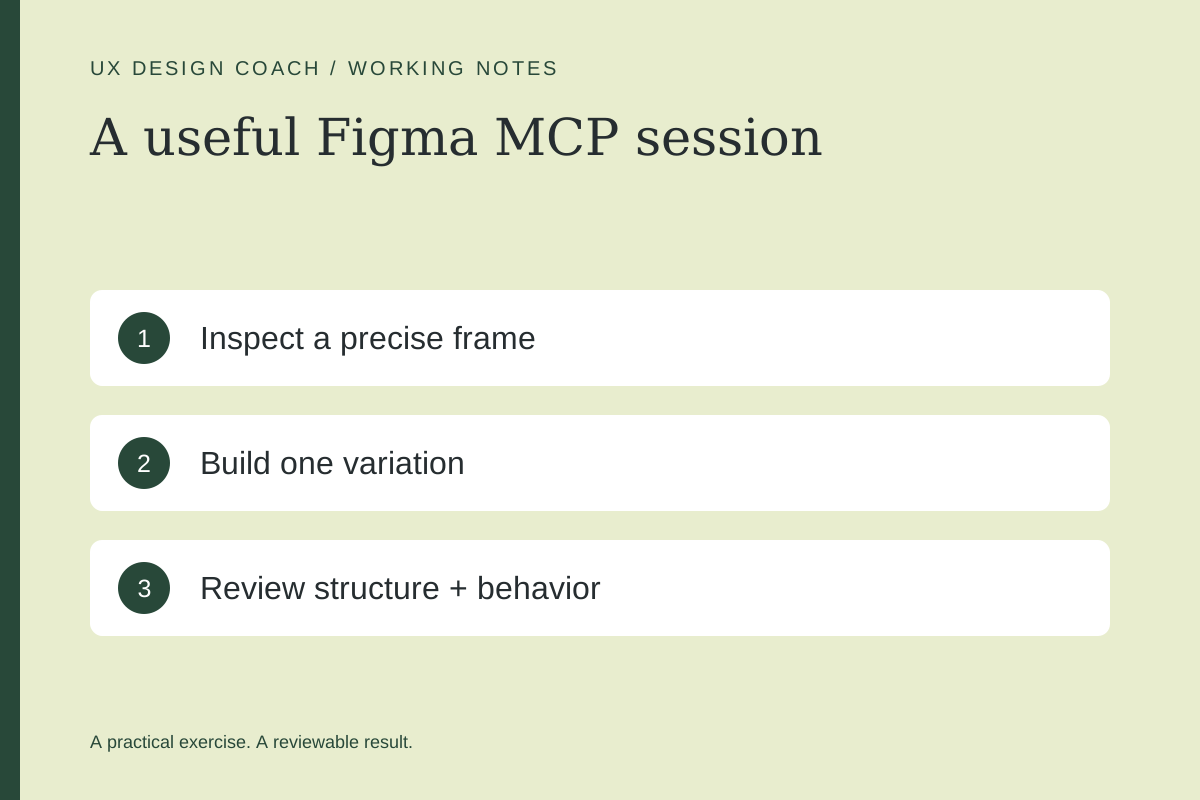 Tool workshop · Figma MCP
Figma MCP: turn your design system into a working AI partner
Connect Figma to an AI assistant, inspect a real frame, create a controlled variation, and check the handoff. Includes setup, prompts, and a troubleshooting checklist.
November 4, 2026 · 3 min read