Design operations
Improve your design process with AI: find the rework first
Audit briefs, critique, research synthesis, and handoffs before adding automation to your design practice.
In this guide
- The useful starting point
- Map decisions and handoffs
- Match the improvement to the cause
- Pilot a reviewable design task
- A worked example: the repeated handoff bounce
- A prompt for the process review
- Measure the experience as well as the process
- Continue with a related guide
- Apply this with a practical template
- Questions you might be asking
- Sources and further reading
The useful starting point
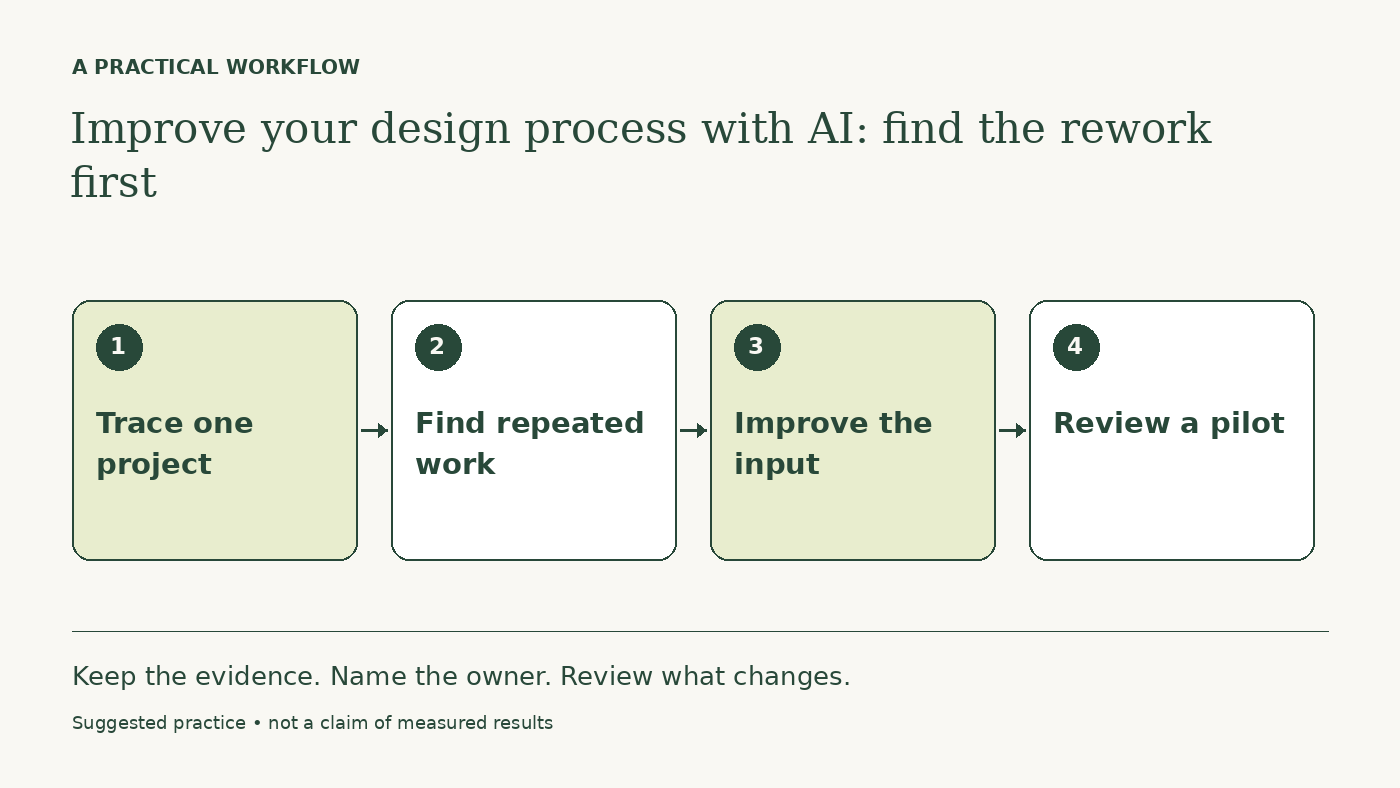
Inspect where design work repeats or waits, improve the inputs and review criteria, then pilot AI on one task whose quality you can check. Preserve real research and human design judgment.
A faster wireframe generator does not resolve an unclear brief. A polished research summary does not resolve contradictory evidence. Before adding another AI tool, trace a design decision from the first request to a shipped experience and ask where understanding was lost.
Choose one recent project and invite the people involved in research, product, design, and engineering. The purpose is to improve the work system, not to find a person to blame.
Map decisions and handoffs
Record what each stage needed, what it received, and what caused work to return. Include requests made in chat, feedback that arrived late, and states discovered during implementation. Mark waiting time separately from hands-on effort.
A design process map should include uncertainty. Was the user problem known? Were technical limits clear? Did reviewers agree on what they were evaluating? A team may spend a week refining a screen because nobody has resolved which user task matters most.
Match the improvement to the cause
- Unclear briefs need a shared problem and decision owner.
- Repeated visual inconsistency may need a maintained component library.
- Vague critique needs explicit criteria and evidence.
- Missing error states need better scenario coverage.
- Slow approval may need a change in decision rights.
AI can support several of these changes, but the tool is not the intervention by itself. A checklist generated and ignored adds paperwork. A brief that the team actually uses can prevent work that never needed to begin.
Pilot a reviewable design task
A good first candidate is checking a proposed flow against known states: empty, loading, success, failure, permission denied, and recovery. Supply the actual requirements and platform constraints. Ask for gaps and questions, not an automatic quality score.
Keep research synthesis tied to source notes. A model can cluster similar statements, but a designer should inspect the underlying evidence and disconfirming examples. Avoid converting generated explanations into user findings.
A worked example: the repeated handoff bounce
Imagine a hypothetical team whose designs repeatedly return from engineering because account permissions were omitted. The team adds a role-and-state matrix to the brief. AI helps propose missing combinations, and the engineer confirms which combinations can occur.
The designer tests the critical states in the prototype and updates the specification. The team compares the next few handoffs with recent ones, recording permission-related rework and the time needed to maintain the matrix. This is a suggested evaluation, not evidence of a guaranteed reduction.
If the matrix grows too large to use, narrow it to states with different behavior. If new permissions change the experience, update the source requirements and the review checklist together.
A prompt for the process review
Examine this project timeline, brief, review notes, and handoff record. Identify repeated decisions, missing inputs, conflicting criteria, and late-discovered states. For each, cite the supplied evidence and propose one change to the process. Suggest where AI can assist, what a person must verify, and how we can tell whether rework decreased.
Measure the experience as well as the process
Track rework, time waiting, and missed states, but also inspect the product people receive. A process that produces fewer comments by discouraging dissent may look efficient while quality falls. Keep accessibility, content clarity, and recovery behavior in the review.
After two or three projects, ask whether the change is still useful. Remove steps that add effort without helping decisions. Process improvement should create more space for understanding people and making thoughtful design choices.
Continue with a related guide
Apply this with a practical template
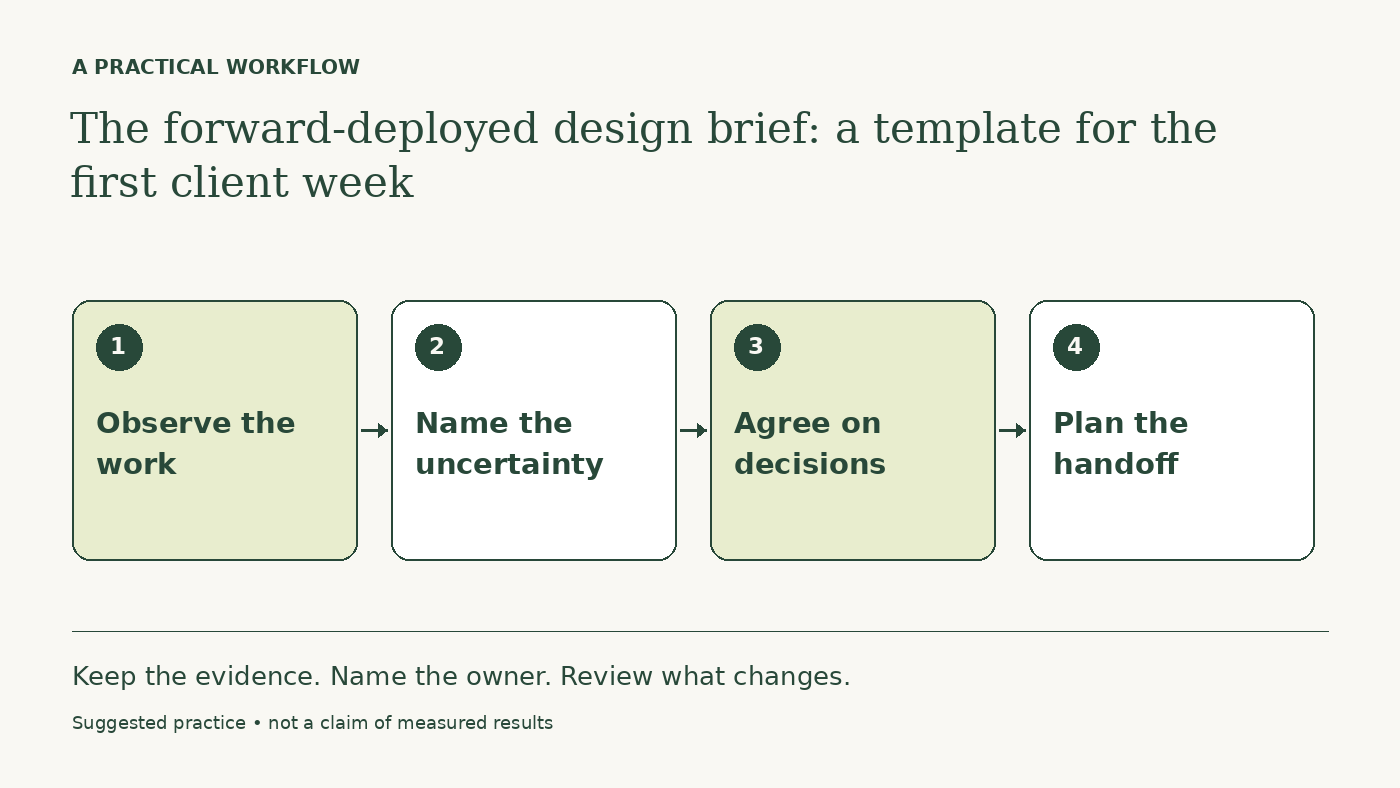
The forward-deployed design brief: a template for the first client week
Questions you might be asking
Can AI evaluate design quality objectively?
It can inspect explicit criteria and surface questions. Its score is not an objective measure of usability or evidence of user preference.
Which task should I start with?
Choose a repeated, bounded task such as state coverage, where you know the requirements and can check the output.
Sources and further reading
Sources checked October 16, 2026. Tool features and plan availability can change; review the linked publisher documentation before connecting an account.
Put one idea to work
Take the next step with a practical worksheet, a clear research question, and a standard you can use to review the work.
Explore design worksheets →Explore more from UX Design CoachKeep practicing
 Forward-deployed design
The forward-deployed design brief: a template for the first client week
Define the workflow, research access, decision rights, and handoff before an embedded designer starts producing screens.
October 16, 2026 · 4 min read AI for designers
A daily AI workflow that makes your design judgment more useful
Use AI to prepare briefs, explore alternatives, and inspect design details while keeping research, accessibility, and final judgment grounded.
October 16, 2026 · 6 min read