Agile and product design
Agile design when AI makes prototypes faster
Keep customer learning, accessible behavior, and engineering collaboration at the center of faster design cycles.
In this guide
- The useful starting point
- Give the prototype a question
- Work with engineering while exploring
- A worked example: changing an appointment
- Separate prototype acceptance from release acceptance
- Keep feedback small and specific
- A prompt for a learning-focused prototype
- Make the retrospective useful
- Continue with a related guide
- Apply this with a practical template
- Questions you might be asking
- Sources and further reading
The useful starting point
Use faster prototypes to test a smaller question sooner. Keep a shared goal, inspect real behavior, and define what must be true before a prototype becomes a production feature.
AI can compress the time between an idea and something clickable. That changes the cost of exploring an option. It does not tell you whether the option solves a worthwhile problem, whether people can use it, or whether the underlying system can support it.
Agile principles still give design teams useful direction: work closely with others, learn from usable increments, and adjust based on evidence. The interpretation below is a practical design approach, not a new official agile framework.
Give the prototype a question
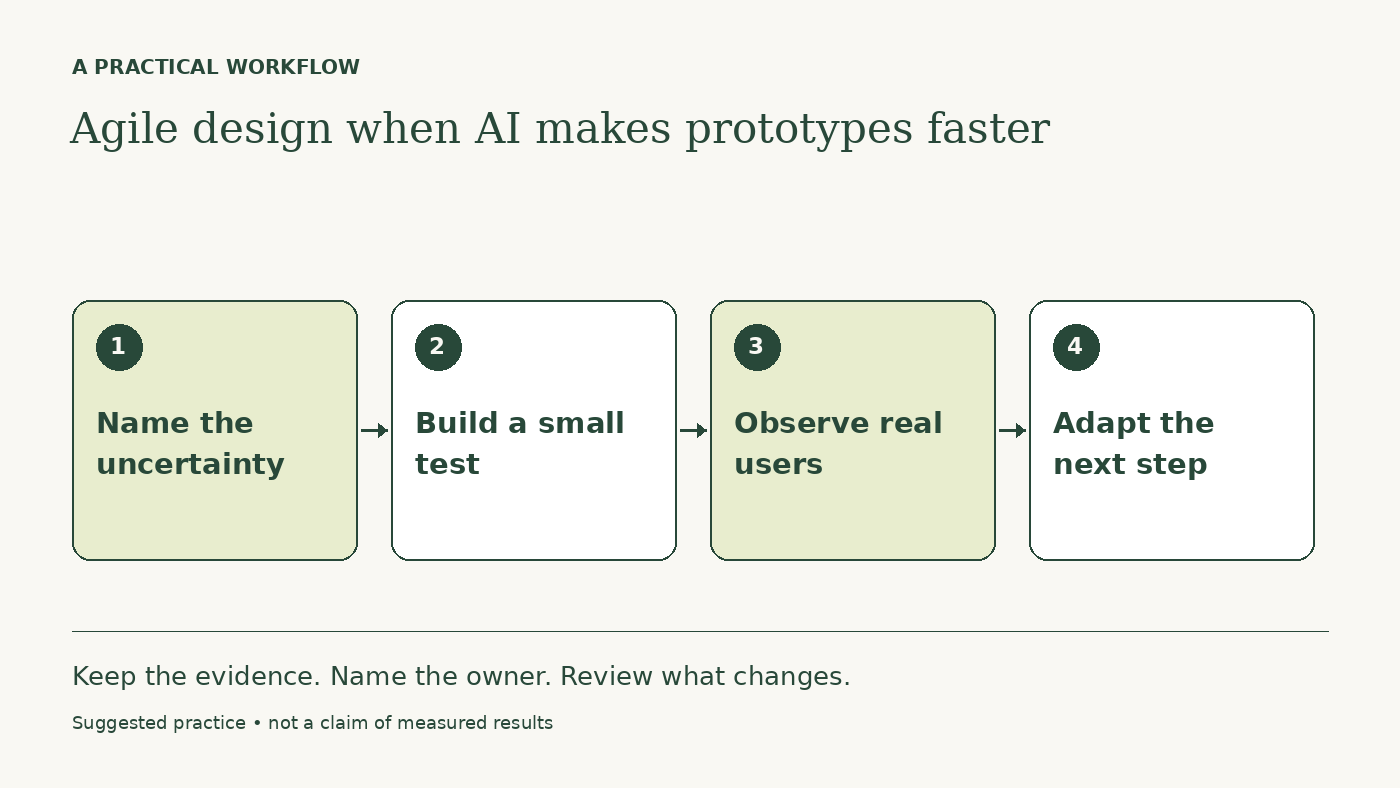
Before generating a flow, write the uncertainty it should resolve. Can a first-time customer understand the next step? Can a support specialist recognize which case needs attention? Can someone recover from an incorrect choice?
A prototype without a question invites a taste discussion. A prototype with a question can support a decision. Keep a note of which parts are functional, simulated, or outside the test so observers do not mistake visual completeness for product readiness.
Work with engineering while exploring
Bring an engineer into the conversation before polishing a promising direction. Discuss data availability, permissions, performance, and failure states. A fast prototype can hide assumptions behind realistic-looking screens.
Designers can use AI to propose variants and interaction copy. Engineers can inspect the feasibility of the behavior. Product partners can clarify why the problem matters. These responsibilities overlap through collaboration; the tool does not remove the need for any of them.
A worked example: changing an appointment
Imagine a hypothetical booking product where people call support to reschedule. The team generates two flows. One moves the existing appointment; the other creates a replacement and cancels the old one after confirmation.
The designer tests comprehension and recovery with representative users. Engineering identifies a risk of duplicate reservations in the second flow. Product checks the rules for fees and availability. The team selects a smaller change and records what remains untested.
The learning is more valuable than having two polished prototypes. A useful next increment might be an accessible rescheduling confirmation with clear availability behavior, rather than a complete redesign of the account area.
Separate prototype acceptance from release acceptance
For the prototype, ask whether it can answer the research question. For release, ask whether the implemented experience meets the team's quality standard, including accessibility, error handling, analytics, and support readiness.
If your team uses Scrum, its Definition of Done applies to a usable increment. A generated mockup or an unreviewed code patch is not automatically an increment. Adapt your working techniques while being accurate about which framework you are using.
Keep feedback small and specific
Review one meaningful slice. Record what people did, what confused them, and what changed your mind. Avoid generating ten additional variants because the first discussion feels uncertain. Sometimes the next step is a customer conversation or a technical check.
A prompt for a learning-focused prototype
We need to resolve this uncertainty: [question]. Here are the observed user needs and system constraints. Propose two small prototype approaches, what each would let us learn, and what each would leave untested. Include error and recovery states. Mark assumptions and simulated behavior. Do not claim either approach is validated.
Make the retrospective useful
After the cycle, ask which AI assistance shortened the path to a sound decision and which created distracting output. Track unresolved questions and release defects alongside delivery speed. Keep the practices that help the team learn and maintain a pace it can sustain.
Continue with a related guide
- The forward-deployed designer’s first 30 days
- Improve your design process with AI: find the rework first
Apply this with a practical template
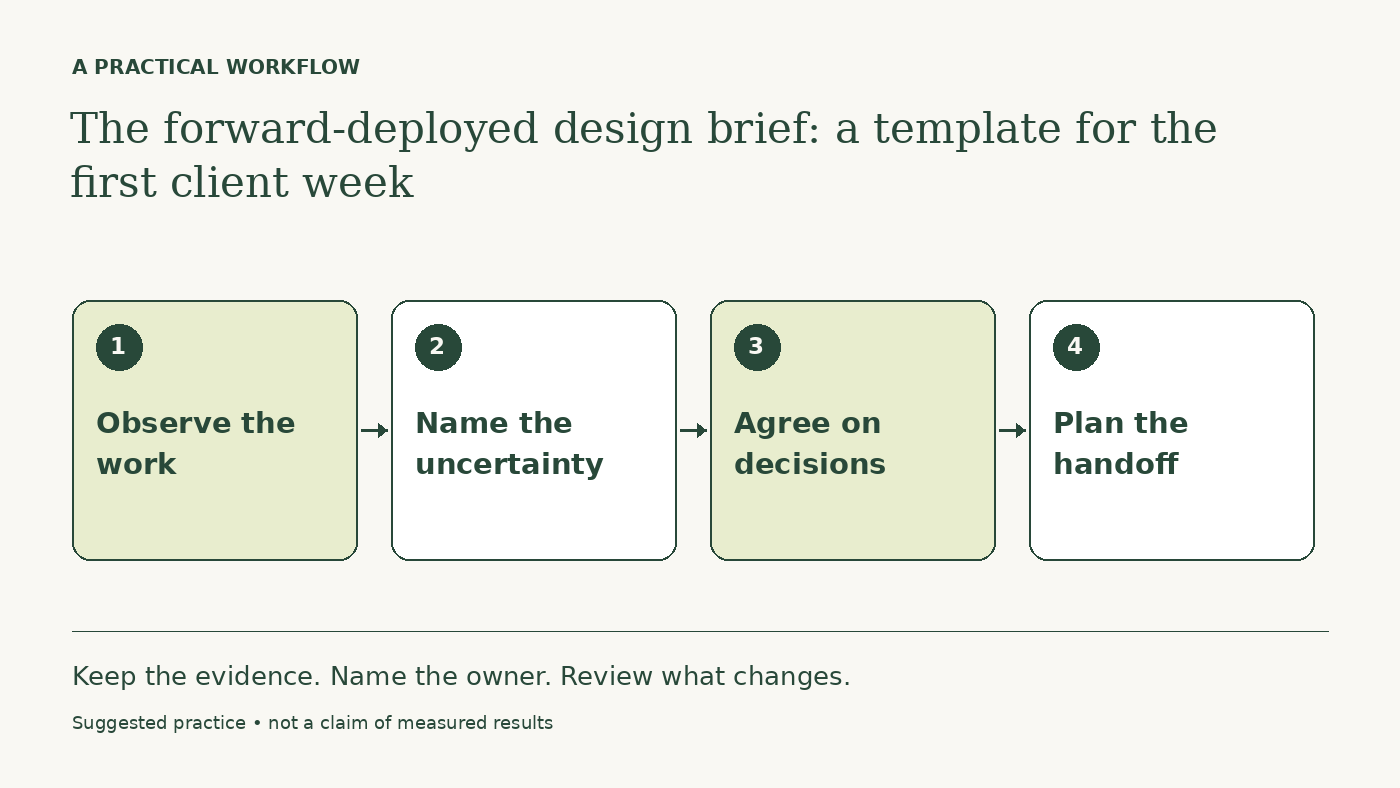
The forward-deployed design brief: a template for the first client week
Questions you might be asking
Does faster prototyping mean shorter sprints?
Not automatically. Choose a cadence that supports inspection and coordination; faster generation alone does not determine the right cycle.
Can an AI simulation replace usability testing?
It can suggest scenarios and questions, but it cannot provide evidence of how your actual users behave.
Sources and further reading
Sources checked October 16, 2026. Tool features and plan availability can change; review the linked publisher documentation before connecting an account.
Put one idea to work
Take the next step with a practical worksheet, a clear research question, and a standard you can use to review the work.
Explore design worksheets →Explore more from UX Design CoachKeep practicing
 Forward-deployed design
The forward-deployed design brief: a template for the first client week
Define the workflow, research access, decision rights, and handoff before an embedded designer starts producing screens.
October 16, 2026 · 4 min read AI for designers
A daily AI workflow that makes your design judgment more useful
Use AI to prepare briefs, explore alternatives, and inspect design details while keeping research, accessibility, and final judgment grounded.
October 16, 2026 · 6 min read