AI design practice
Use AI agents in design without losing the research trail
Build a design workflow that keeps research provenance, human decisions, accessible interaction states, and prototype limits visible.
In this guide
The useful starting point
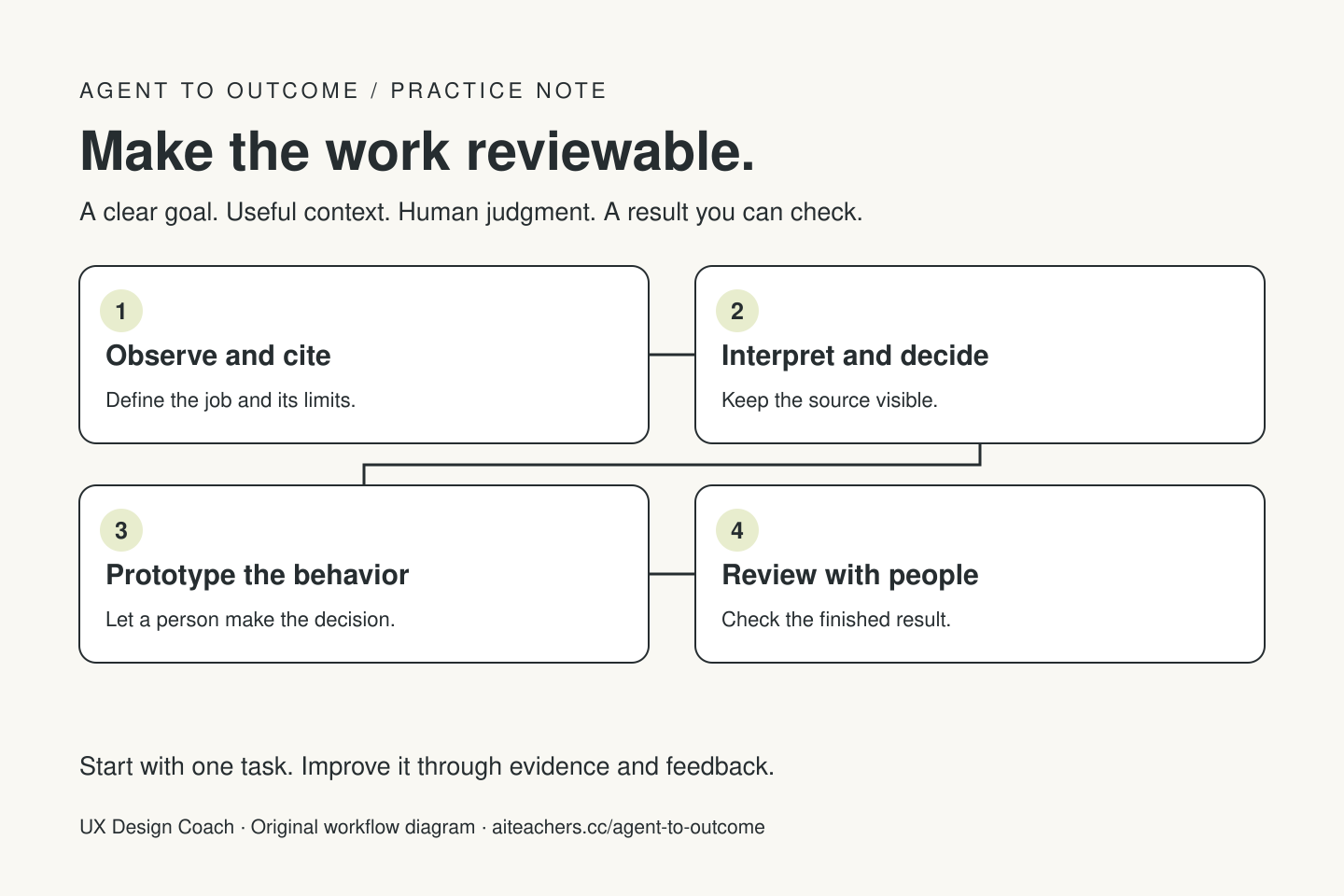
Give the agent a bounded research or prototype task with source references and acceptance criteria. Preserve observations separately from interpretation, label generated examples, and review accessibility and behavior with people before treating a polished prototype as validated.
An agent can help a designer organize evidence, explore alternatives, and build something people can try. The useful question is which part of that work you can evaluate. A polished research summary may hide an unsupported inference. A beautiful prototype may omit the failure state that matters most. Give the agent a job with a visible evidence trail and a clear review point.
Begin with a decision
Choose a question the design work must answer. For example: can a new customer save a shortlist and find it again? Define the intended user, the relevant context, and what evidence would change your direction. A broad instruction to “improve the experience” gives the agent too much room to invent priorities.
Write an acceptance standard for the immediate deliverable. A synthesis should link findings to supplied observations. A prototype should support a complete test task, including empty and error states. A handoff should explain behavior, components, data requirements, and open decisions. Treat each as a distinct stage.
Preserve observation before interpretation
Keep original notes, timestamps, participant identifiers, and consent restrictions in an approved source location. Share only what the agent needs. Ask for a table with the observation, source, possible interpretation, contradictory evidence, and unanswered question. De-identify material where appropriate to the project’s permissions and research plan.
Do not let a generated persona become a fictional research participant. A synthetic scenario can help the team brainstorm or rehearse an interview, but it does not establish what actual customers need. Label it as a generated exercise. Preserve inconvenient observations rather than asking the model to make every response fit a neat theme.
Give the agent a useful design brief
Supply the user goal, existing flow, content, design tokens, components, and technical constraints. Name the decisions already made and those open for exploration. Ask for two or three alternatives that differ in a meaningful way, with the tradeoff behind each. More screens do not automatically create a better test.
Tool boundaries are changing. Anthropic’s current Claude Design guidance describes a transition toward design capabilities inside the broader Claude experience. Verify the interface and access available in your account before teaching a specific sequence of clicks. Keep the brief and evaluation method portable across tools.
Specify the states a screenshot leaves out
Include loading, empty results, long content, validation errors, failed saving, lost access, and the return visit. Explain what remains on screen if a request fails and what the user can do next. Separate cancelling future work from undoing an action that has already completed.
Use the accessibility requirements as part of the brief. W3C’s status-message guidance explains that relevant status changes should be available to assistive technology without forcing focus onto them. Its error-identification guidance requires detected input errors to identify the affected item and describe the error in text. Color or a spinner alone is not a complete explanation.
Design the agent’s own review experience
If the product takes actions for a user, show what is about to change, where, and why. An approval panel should make the decision understandable without requiring someone to read a transcript of the whole task. After execution, distinguish confirmed changes from proposals and failed attempts.
Ask the agent to produce a change summary and the evidence behind it. For an implementation task, inspect the actual result in the target environment. Test keyboard use, focus order, text resizing, mobile layout, and meaningful error recovery. Automated checks can help find specific problems; they do not replace observing people attempt the task.
Improve one part of the workflow at a time
Use a small review loop: run the task, inspect the result, record one recurring defect, and revise the instruction or source pack that caused it. Keep versions of the brief and prototype. Avoid a full redesign when a focused label or state change would answer the research question.
A designer who can direct agents, preserve evidence, and make their behavior understandable has a practical service to offer. Describe the deliverable honestly: a research synthesis review, an agent interaction audit, or a prototype with documented limits. Show what you observed and verified, including what remains untested.
Put this into practice
Bring a research question or prototype flow, plus the evidence you are permitted to use. Start with the free Agent to Outcome tutorial, then use the workflow planner to map your goal, context, tools, human checkpoints, and success criteria. Explore the Agent to Outcome workshop and kit for a guided learning path. For implementation or team training, see Waymaker Agency’s agent workflow service.
Sources and further reading
Sources checked October 22, 2026. Review the linked publisher information for current details.
Put one idea to work
Learn to choose, brief, test, and improve an agent workflow around a real task.
Explore Agent to Outcome →Explore more from UX Design CoachGet design practice in your inbox →Keep practicing
 Useful AI Beats Hype · Design
Build a UX design-review skill: a step-by-step illustrated guide
Turn a small interface flow into an evidence-linked review, a prioritized fix list, and a usability test plan. Includes a complete skill template and a worked example.
November 1, 2026 · 8 min read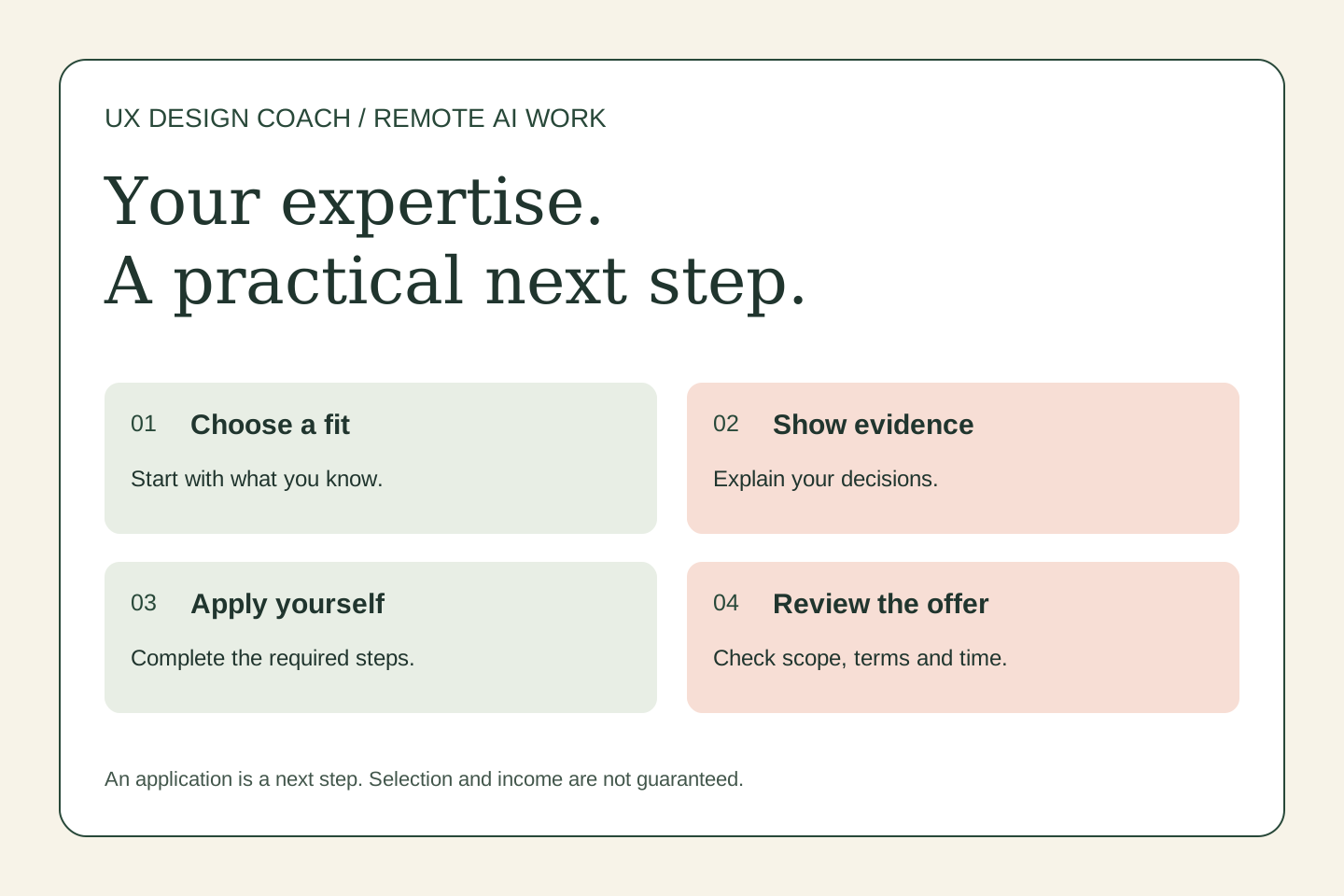 Remote work & AI
UX expertise, remote freelancing, and AI evaluation: a Mercor guide
Designers bring more than screen-making skills. Learn how to describe your research and interaction judgment when exploring remote AI work through Mercor—and how to prepare without overstating what you know.
October 31, 2026 · 5 min read